Works without signal
from the Yes Foreman platform
Clock in from paddocks with no reception — the app queues it and syncs the second you're back in range.
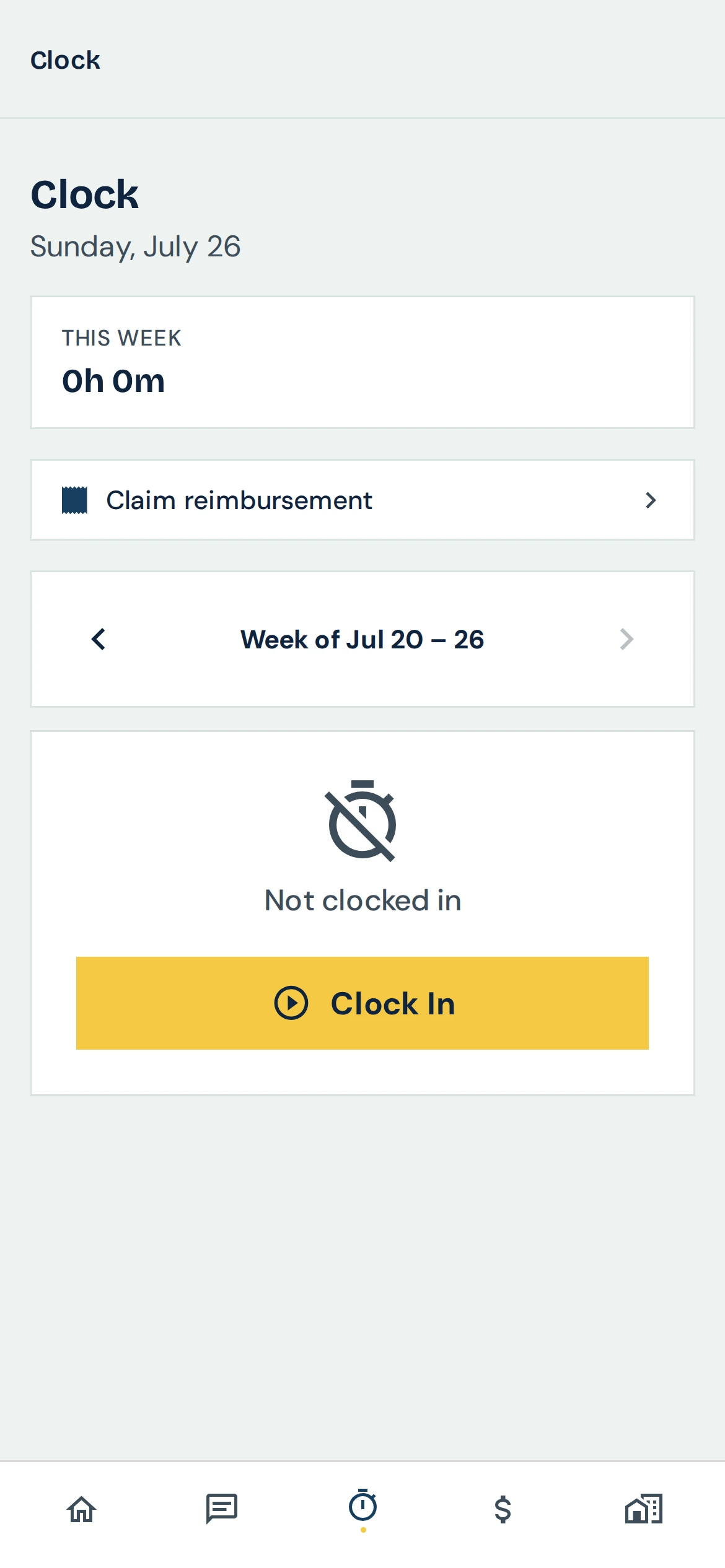
Works without signal in Foreman: how it works
Plenty of jobs happen where there's no reception: under houses, on farms, in plant rooms. Foreman's mobile app saves a clock-in when there's no signal and sends it as soon as the phone reconnects, so the crew's hours are never lost to a dead zone.
Step 1
Clock in as normal
Tap Clock In on the Home or Time tab. With no signal, the punch is saved on the phone instead of failing.
Step 2
See that it's waiting
The pill in the Home header shows Offline or Syncing, so the crew can see when something hasn't reached the office yet.
Step 3
It sends itself
As soon as the phone is back in range, the clock-in syncs automatically, even if the app was closed in between.
Step 4
Hours stay accurate
Synced punches feed the same timesheets as any other, so pay periods and approvals aren't affected by where the work happened.
Works without signal: common questions
Will closing the app lose an offline clock-in?
No. It's stored on the phone and sent once the phone reconnects, whether or not the app stayed open.
How do I know it synced?
The Home header shows Offline or Syncing while something is waiting; once it clears, the punch has reached Foreman.
What happens if a save fails?
The app tells you the time entry was not saved and asks you to check your connection, rather than dropping it silently.
Stop losing time to paperwork
Start a free trial · 14 days, unlimited members, every feature including AI, cancel any time.