Variations & progress claims
from the Yes Foreman platform
Client changed their mind? Log the variation, bump the contract, raise the claim. Paper trail sorted, arguments avoided.
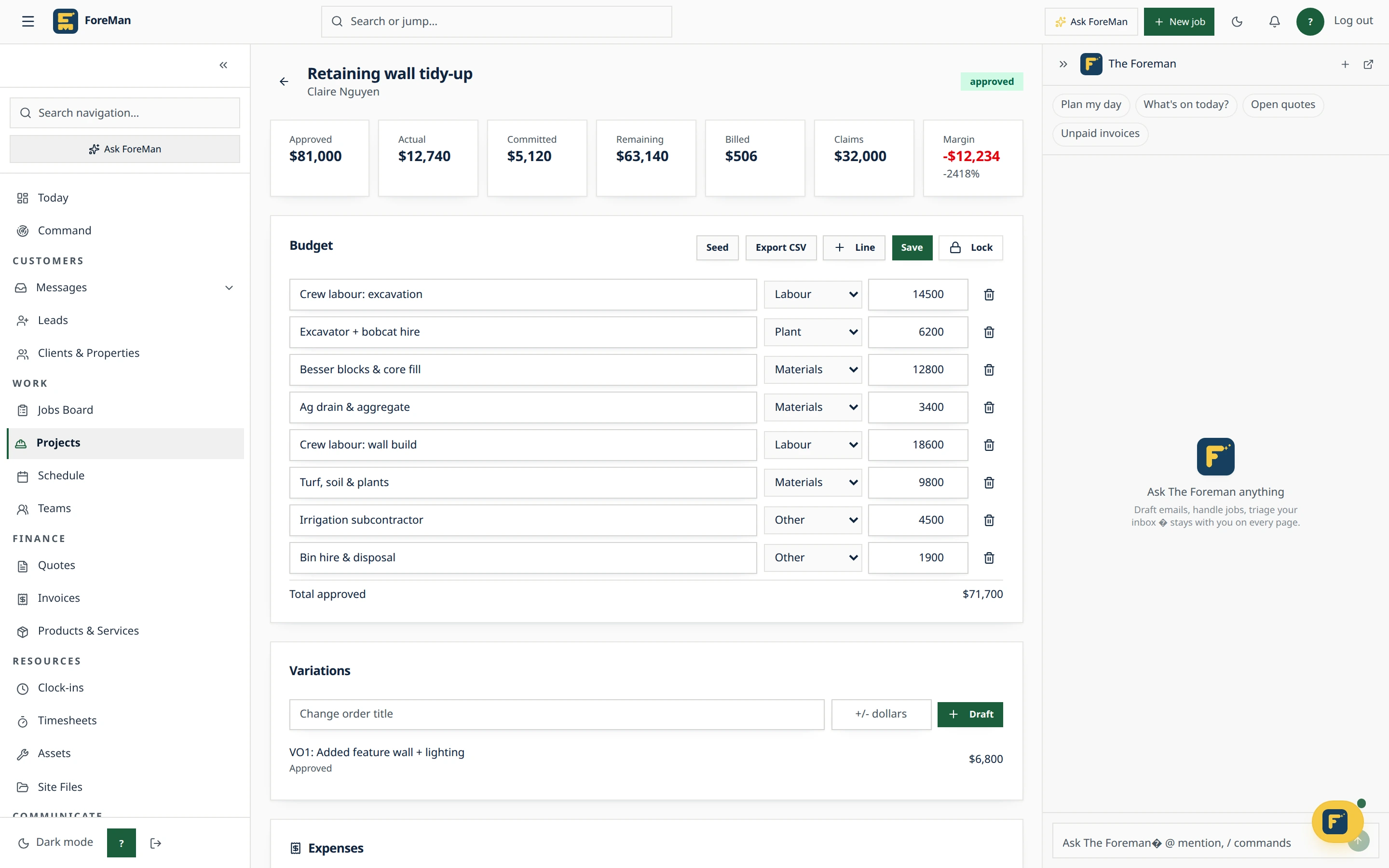
Variations & progress claims in Foreman: how it works
The client adds a second bathroom halfway through. If the change isn't written down and priced, it turns into an argument at the final invoice. Foreman records variations and progress claims on the project itself, so the contract, the budget and what you've billed always agree.
Step 1
Log the variation
Add a variation (change order) on the project's Billing tab. It adjusts the budget, so the project's remaining figure and margin reflect the new scope.
Step 2
Lock the original budget
Once the budget is locked, further edits have to go through a variation, which keeps a clear line between the original contract and what changed.
Step 3
Raise progress claims
Create a progress claim with retainage, mark it sent or paid, or raise an invoice for it. Claims to date sit on the project overview next to the budget.
Step 4
Spot what's under-claimed
The project list flags Under-claimed when billing has fallen behind the work, so cash flow problems show up while you can still act on them.
Variations & progress claims: common questions
Can I hold back retention on a claim?
Yes. Progress claims support retainage, and each claim can be marked sent, marked paid or turned into an invoice.
Does a variation change the budget automatically?
Yes. Variations on the Billing tab adjust the project budget, so remaining budget and margin include the change.
Will Foreman invoice a project automatically when a visit finishes?
No. Projects stay manual so Foreman never guesses at progress claims; you decide what to claim and when.
Stop losing time to paperwork
Start a free trial · 14 days, unlimited members, every feature including AI, cancel any time.